
This comprehensive guide covers everything you need to know about waterproof coaxial cables—from understanding water...
Best Coax Cable for TV: Complete Buying Guide (RG6 vs RG59)
Best Coax Cable for TV: The Complete Buying Guide
Published by Wassalat Technical Team
Whether you're connecting a TV antenna, setting up cable television, or installing a satellite dish, the coaxial cable you choose directly affects your picture and sound quality.
This comprehensive guide explains everything you need to know about selecting coaxial cables for TV applications—from antenna connections to 4K cable TV and satellite installations.
? Table of Contents
Why Coax Choice Matters for TV
Your TV signal travels through coaxial cable from the source (antenna, cable provider, or satellite dish) to your television. The cable quality determines:
- ? Picture clarity – Sharp, clear images with no artifacts
- ? Sound quality – Clear audio with no interference
- ? Channel availability – All channels come through reliably
- ? Signal strength – No pixelation or dropouts
- ? Internet speed – For cable broadband internet
? Key Insight: A high-quality TV with a low-quality cable will deliver poor picture quality. The cable is just as important as the TV itself!
The 75Ω Standard
All TV equipment uses 75Ω impedance. This includes:
- ? Televisions and set-top boxes
- ? Satellite receivers and dishes
- ? Cable modems and routers
- ? TV antennas
- ? Splitters and distribution amplifiers
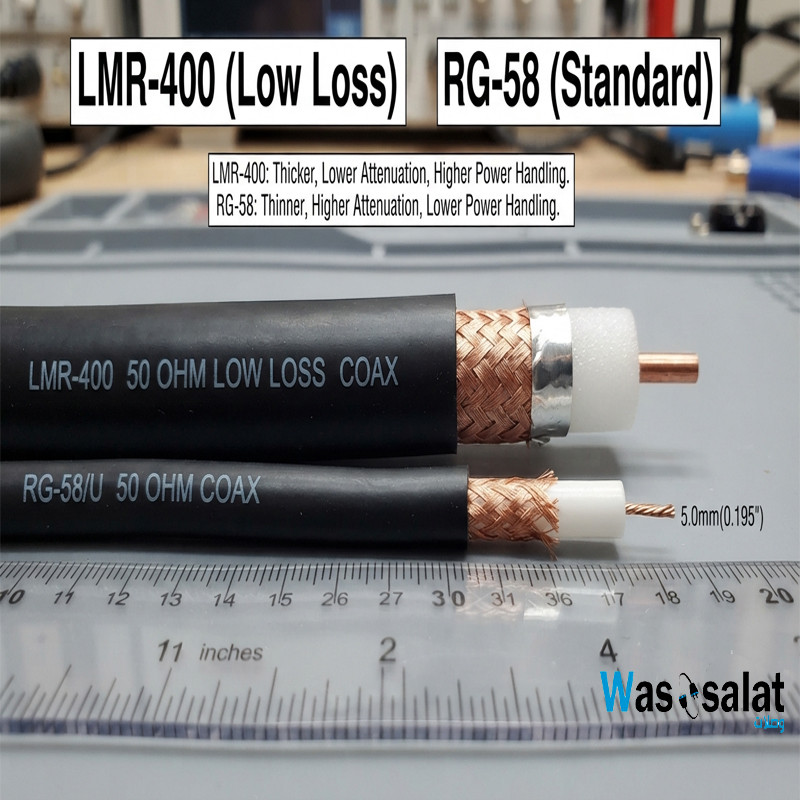
Using a 50Ω cable (like RG-58 or LMR-400) will cause impedance mismatch, signal reflections, and poor TV reception. Always use 75Ω cables for TV applications.
⚠️ Critical: Never use 50Ω cables for TV. Only use 75Ω cables like RG-6, RG-59, or RG-11.
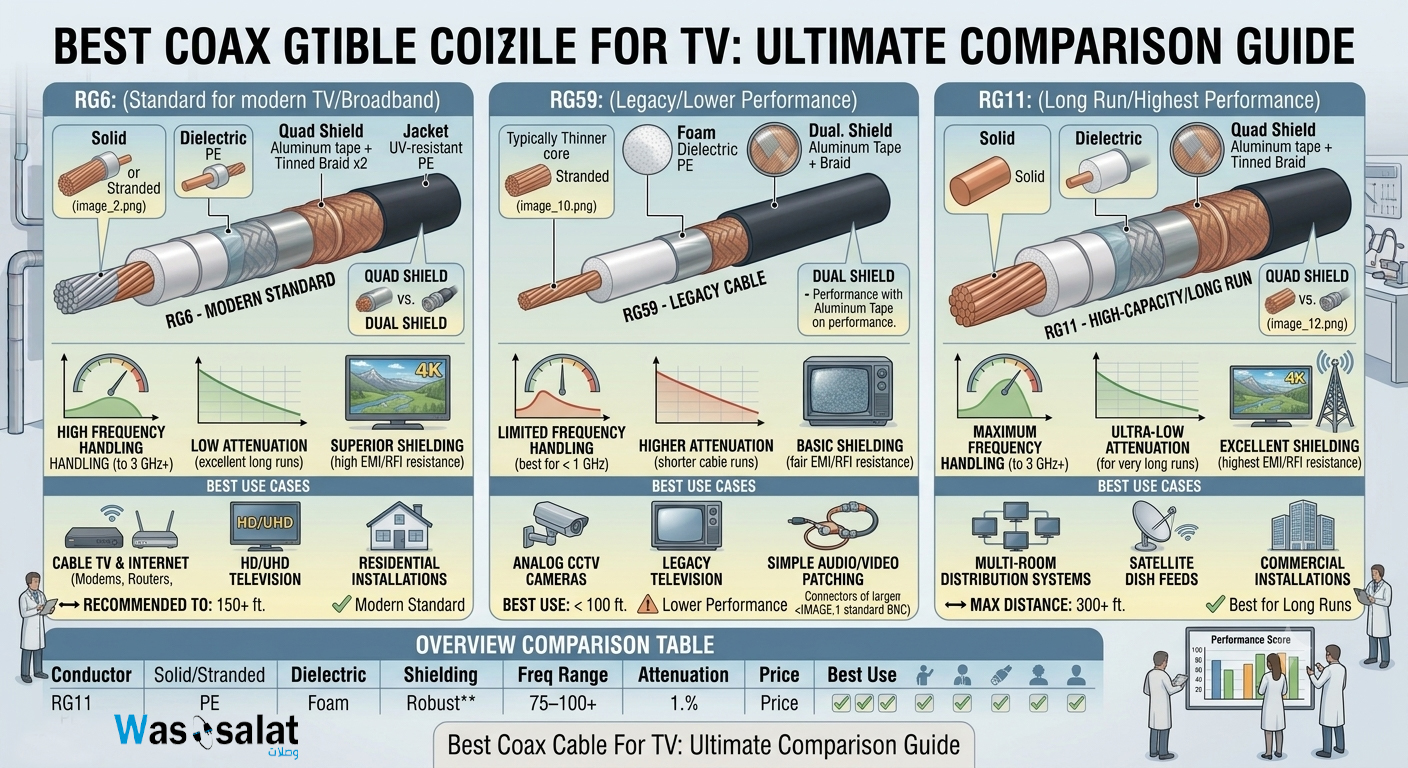
RG6: The TV Standard
RG6 is the industry standard for TV applications. It's the cable used by cable companies and satellite installers worldwide.
Specifications
| Parameter | RG6 Value |
|---|---|
| Impedance | 75Ω |
| Center Conductor | 18 AWG (Copper or CCS) |
| Outer Diameter | ~6.9 mm (0.270") |
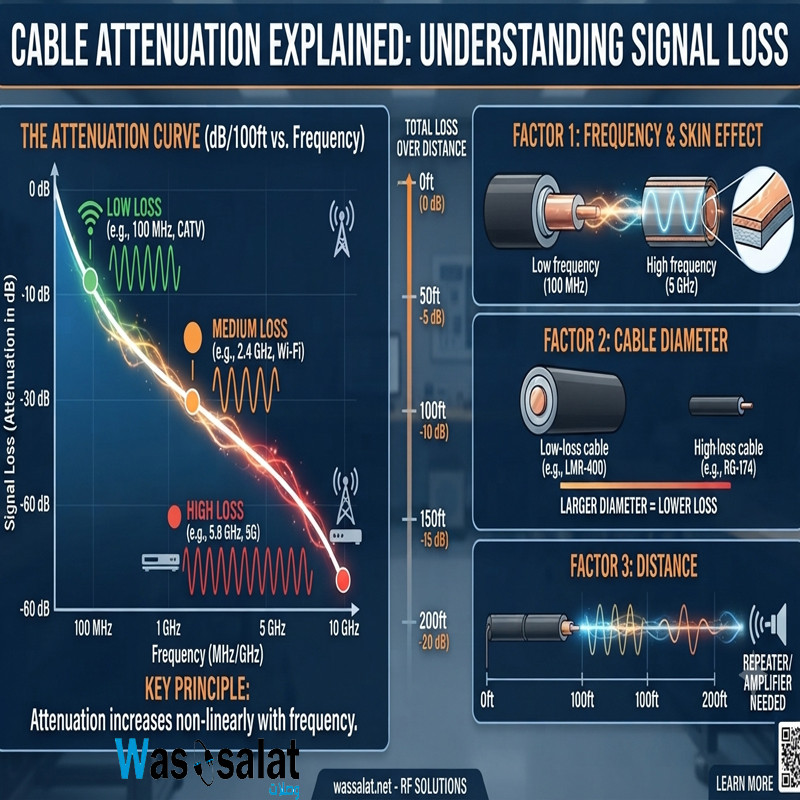
| Attenuation @ 100 MHz | 2.5 dB/100 ft |
| Attenuation @ 750 MHz | 6.8 dB/100 ft |
| Attenuation @ 1 GHz | 8.5 dB/100 ft |
| Max Recommended Length | 150-200 ft |
RG6 Advantages
- ✅ Industry standard – Used by cable and satellite companies
- ✅ Excellent performance – Low signal loss
- ✅ Good frequency range – Supports up to 3 GHz
- ✅ Affordable – Reasonable cost per foot
- ✅ Widely available – Easy to find at any hardware store
- ✅ Easy to install – Standard F-Type connectors fit perfectly
RG6 Disadvantages
- ❌ Limited distance – Not suitable for runs over 200 feet
- ❌ Less flexible than RG59 – Slightly stiffer
✅ Recommendation: For most TV installations, RG6 is the perfect choice. It's the standard for a reason.
RG59: When to Use It
RG59 is an older, thinner cable that was once the standard for TV. Today, it's mostly used for short connections.
Specifications
| Parameter | RG59 Value |
|---|---|
| Impedance | 75Ω |
| Center Conductor | 22 AWG (Copper or CCS) |
| Outer Diameter | ~6.1 mm (0.242") |
| Attenuation @ 100 MHz | 4.6 dB/100 ft |
| Max Recommended Length | 50-100 ft |
When to Use RG59
- ✅ Short patch cables – Under 10 feet between devices
- ✅ DIY antenna connections – Short runs from antenna to TV
- ✅ Temporary setups – Quick and easy connections
- ✅ Tight spaces – More flexible than RG6
When NOT to Use RG59
- ❌ Long runs – Over 50 feet
- ❌ Satellite TV – Too much loss at satellite frequencies
- ❌ Cable broadband internet – Insufficient for high-speed data
- ❌ 4K TV – Can't handle the high bandwidth
⚠️ Warning: RG59 is not suitable for modern TV applications like satellite, 4K, or broadband internet. Use RG6 instead.
RG11: For Long Runs
RG11 is a thick, low-loss cable designed for long-distance TV signal distribution.
Specifications
| Parameter | RG11 Value |
|---|---|
| Impedance | 75Ω |
| Center Conductor | 14 AWG (Copper or CCS) |
| Outer Diameter | ~10.3 mm (0.405") |
| Attenuation @ 100 MHz | 1.6 dB/100 ft |
| Attenuation @ 750 MHz | 4.2 dB/100 ft |
| Attenuation @ 1 GHz | 5.4 dB/100 ft |
| Max Recommended Length | 300-500 ft |
When to Use RG11
- ✅ Long cable runs – Over 200 feet
- ✅ Main trunk lines – Distribution in large buildings
- ✅ Multi-dwelling units – MDUs with central distribution
- ✅ Commercial installations – Hotels, hospitals, schools
✅ Recommendation: Use RG11 when your cable run exceeds 200 feet or when you need the absolute lowest signal loss.
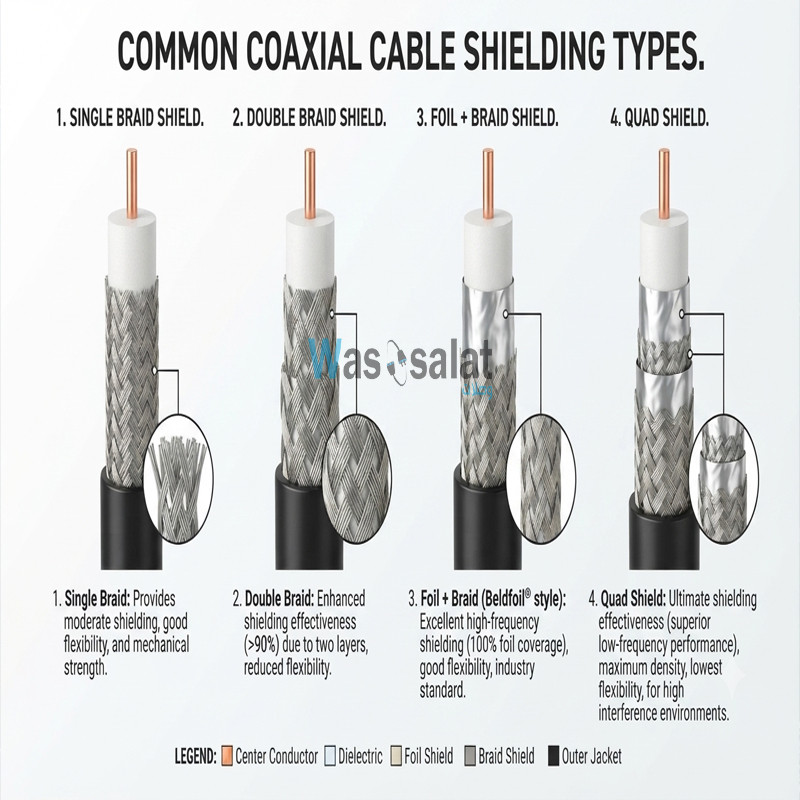
Shielding Types Explained
TV signals are susceptible to interference from electrical devices, power lines, and other signals. Better shielding means better picture quality.
1. Single Shield (Foil Only)
Coverage: 100%
Best For: Indoor, low-interference areas
Not Recommended For: Satellite, long runs, outdoor
2. Dual Shield (Foil + Braid)
Coverage: ≈100%
Best For: Most residential installations
Recommended: Good balance of cost and performance
3. Quad Shield (Foil + Braid + Foil + Braid)
Coverage: 100%
Best For: Satellite TV, high-interference areas
Recommended: Best protection, especially for satellite and outdoor
| Shield Type | Coverage | Flexibility | Best For |
|---|---|---|---|
| Single Shield | 100% | ⭐⭐⭐⭐⭐ | Short indoor patch cables |
| Dual Shield | ≈100% | ⭐⭐⭐⭐ | Most residential |
| Triple Shield | 100% | ⭐⭐⭐ | Premium residential |
| Quad Shield | 100% | ⭐⭐ | Satellite, commercial |
? Tip: For satellite TV, always use quad-shield RG6. For standard cable TV, dual-shield is usually sufficient.
Cable by Application
1. Cable TV (CATV)
Recommended Cable: RG6 (Dual Shield)
Why: Cable TV signals are typically under 1 GHz. RG6 with dual shield provides excellent performance at a reasonable cost.
Max Distance: 150-200 feet
2. Satellite TV
Recommended Cable: RG6 (Quad Shield)
Why: Satellite TV operates at higher frequencies (950-2150 MHz) and is more susceptible to interference. Quad shield provides maximum protection.
Max Distance: 100-150 feet
3. TV Antenna
Recommended Cable: RG6 (Dual or Quad Shield)
Why: Antenna signals are weak and need the best cable to preserve signal strength. Outdoor antennas also need UV-resistant cable.
Max Distance: 150-200 feet
4. Cable Broadband Internet
Recommended Cable: RG6 (Dual Shield)
Why: Cable internet uses DOCSIS technology with frequencies up to 1 GHz. RG6 provides sufficient bandwidth.
Max Distance: 150-200 feet
5. Multi-Dwelling Units (MDU)
Recommended Cable: RG11 (Main trunk), RG6 (Drops)
Why: MDUs require long runs from the head-end to individual units. RG11 provides low loss for the main line, RG6 for final connections.
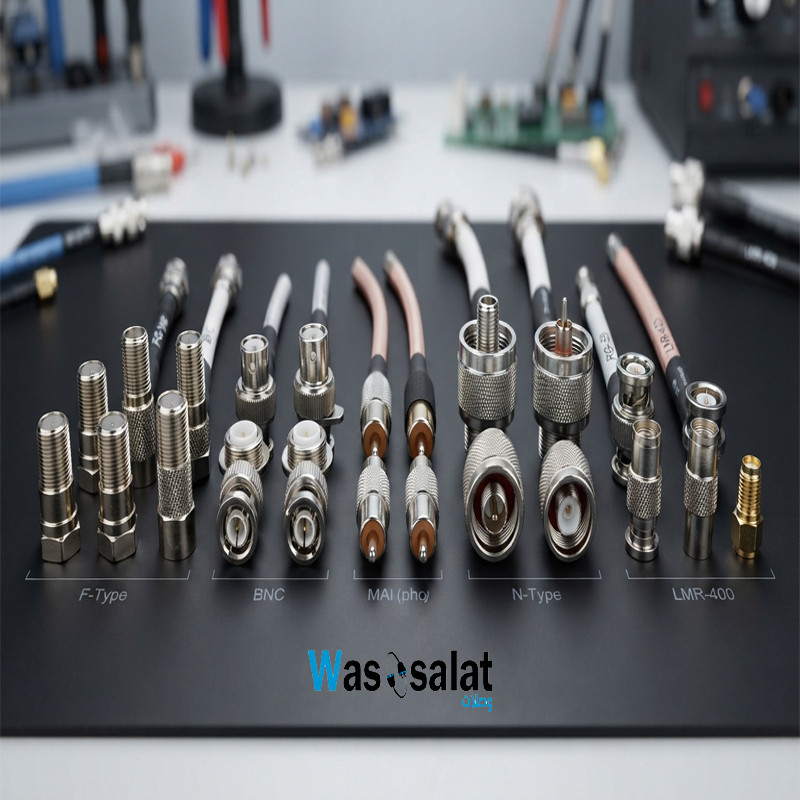
F-Type Connectors Guide
F-Type connectors are the standard for TV applications. Choose the right type for your installation:
1. Screw-On (Twist-On) Connectors
Installation: Screws onto prepared cable
Quality: Basic
Best For: Temporary connections, DIY
Not Recommended For: Permanent installations
2. Crimp-On Connectors
Installation: Crimped with a special tool
Quality: Good
Best For: Professional installations
Recommended: Reliable and durable
3. Compression Connectors
Installation: Compressed with a special tool
Quality: Excellent
Best For: Professional, weatherproof installations
Recommended: Best for outdoor and long-term use
Connector Selection Guide
| Connector Type | Installation Ease | Reliability | Weatherproof | Best For |
|---|---|---|---|---|
| Screw-On | ⭐⭐⭐⭐⭐ | ⭐⭐ | ❌ | Temporary setups |
| Crimp-On | ⭐⭐⭐ | ⭐⭐⭐⭐ | ⚠️ | Indoor installations |
| Compression | ⭐⭐⭐ | ⭐⭐⭐⭐⭐ | ✅ | Outdoor, professional |
Maximum Distance Guide
The maximum cable length depends on the signal type and quality requirements:
Cable TV (CATV)
| Cable Type | Maximum Length | Recommended |
|---|---|---|
| RG59 | 100 ft | ≤ 50 ft |
| RG6 | 250 ft | ≤ 200 ft |
| RG11 | 500 ft | ≤ 400 ft |
Satellite TV
| Cable Type | Maximum Length | Recommended |
|---|---|---|
| RG59 | 50 ft | Not Recommended |
| RG6 (Quad Shield) | 150 ft | ≤ 120 ft |
| RG11 | 300 ft | ≤ 250 ft |
TV Antenna
| Cable Type | Maximum Length | Recommended |
|---|---|---|
| RG59 | 100 ft | ≤ 50 ft |
| RG6 | 200 ft | ≤ 150 ft |
| RG11 | 400 ft | ≤ 300 ft |
Frequently Asked Questions (FAQ)
1. What is the best coaxial cable for TV?
RG6 is the best coaxial cable for most TV applications. It offers excellent performance, low signal loss, and supports up to 3 GHz frequencies.
2. Can I use RG59 for cable TV?
RG59 is not recommended for cable TV. It has higher signal loss than RG6 and may cause pixelation or channel loss. Use RG6 instead.
3. What is the best coax cable for satellite TV?
RG6 with quad shielding is the best choice for satellite TV. It provides maximum protection against interference and low signal loss at satellite frequencies (950-2150 MHz).
4. How long can a TV coax cable be?
RG6 can run up to 200 feet for cable TV and 150 feet for satellite TV. For longer runs, use RG11 or add a signal amplifier.
5. What is the difference between RG6 and RG11 for TV?
RG6 is the standard for most TV installations. RG11 has lower signal loss and can run much longer distances (up to 500 feet), but is thicker, stiffer, and more expensive.
6. Do I need quad-shield coax for TV?
Quad-shield is recommended for satellite TV and installations in high-interference areas. For standard cable TV, dual-shield is usually sufficient.
7. Can I use TV coax for internet?
Yes, the same RG6 cable used for TV can also carry cable broadband internet signals (DOCSIS).
8. What type of connector does TV coax use?
TV coax typically uses F-Type connectors. These are the screw-on or compression connectors found on TVs, set-top boxes, and cable modems.
9. Does cable length affect TV picture quality?
Yes. Longer cable runs have more signal loss, which can cause pixelation, ghosting, or loss of channels. Keep cable runs as short as possible.
10. Can I connect two TV coax cables together?
Yes, using a barrel connector (F-Type coupler). However, each connection adds signal loss. Try to use a single continuous cable when possible.
11. What is the best coax cable for 4K TV?
For 4K TV, use RG6 with dual or quad shielding. 4K signals require high bandwidth, and RG6 provides the necessary performance.
12. Can I use RG6 for my TV antenna?
Yes. RG6 is excellent for TV antennas. It preserves weak antenna signals better than RG59.
? Related Articles
- Complete Guide to Coaxial Cables
- RG6 vs RG11
- RG58 vs RG59
- Coaxial Cable Impedance
- 50 Ohm vs 75 Ohm Coax
- Best Coax Cable for CCTV
- Browse Coaxial Cables →
? Need Coaxial Cables for Your TV?
We stock high-quality RG6 and RG11 cables for all TV applications—from standard cable TV to satellite and 4K installations. Choose from dual-shield, quad-shield, and outdoor-rated options.
Last Updated: July 2026
© 2026 Wassalat. All rights reserved.
Posted in:
Coaxial Cables
Related posts
-
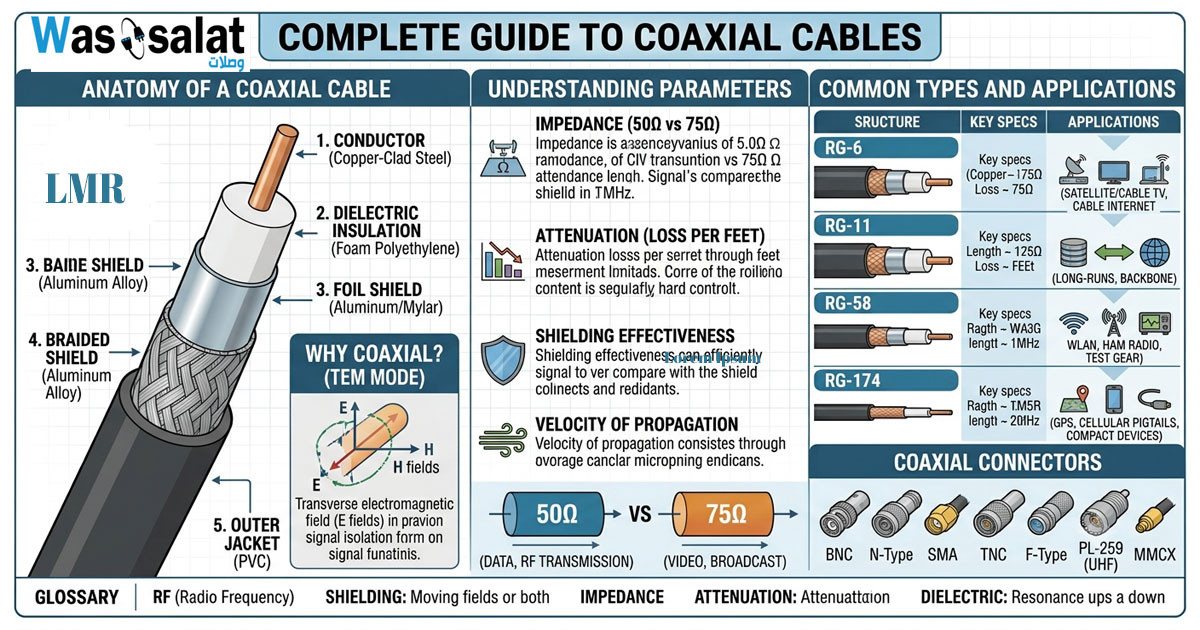 Complete Guide to Coaxial Cables
Everything you need to know about RG-6, LMR-400, impedance, connectors & troubleshooting.Read more
Complete Guide to Coaxial Cables
Everything you need to know about RG-6, LMR-400, impedance, connectors & troubleshooting.Read more -
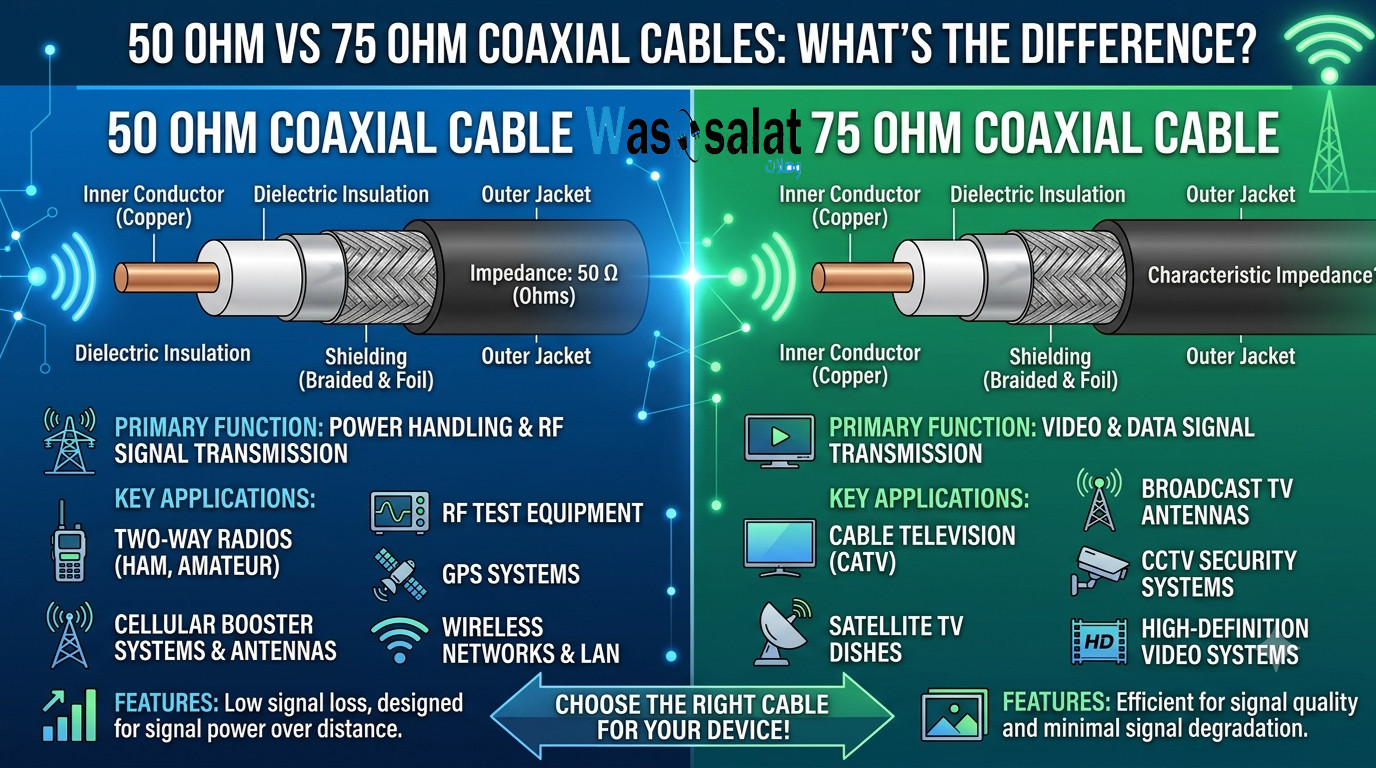 50 Ohm vs 75 Ohm Coaxial Cables: What's the Difference?
Learn the key differences between 50Ω and 75Ω coaxial cables. Find out which impedance you need for WiFi, TV, CCTV,...Read more
50 Ohm vs 75 Ohm Coaxial Cables: What's the Difference?
Learn the key differences between 50Ω and 75Ω coaxial cables. Find out which impedance you need for WiFi, TV, CCTV,...Read more -
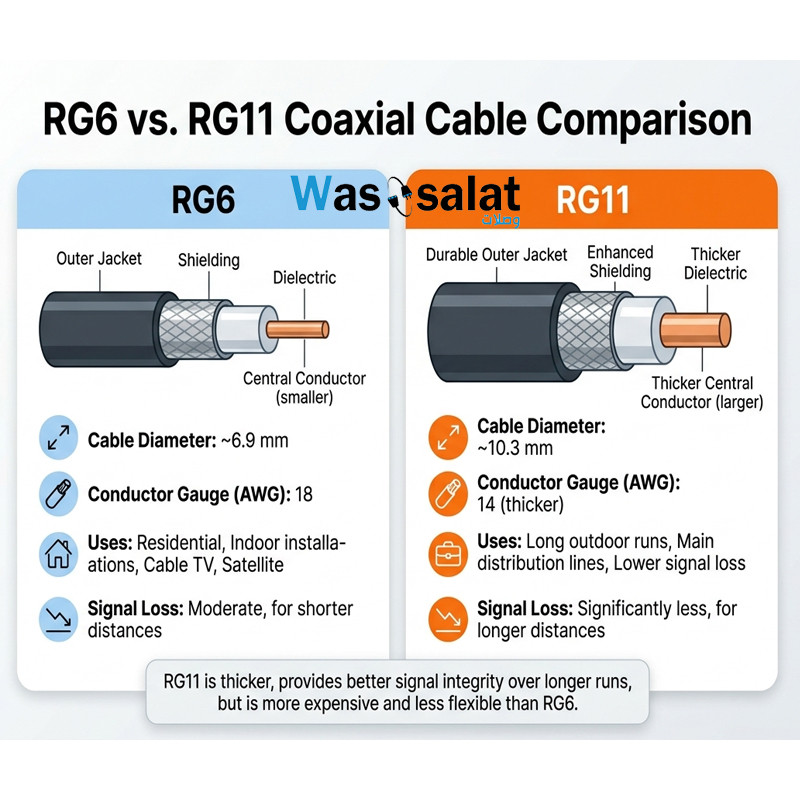 RG6 vs RG11 Coaxial Cables: Which One Do You Need?
Compare RG6 and RG11 coaxial cables. Learn the differences in performance, distance, cost, and when to use each for...Read more
RG6 vs RG11 Coaxial Cables: Which One Do You Need?
Compare RG6 and RG11 coaxial cables. Learn the differences in performance, distance, cost, and when to use each for...Read more -
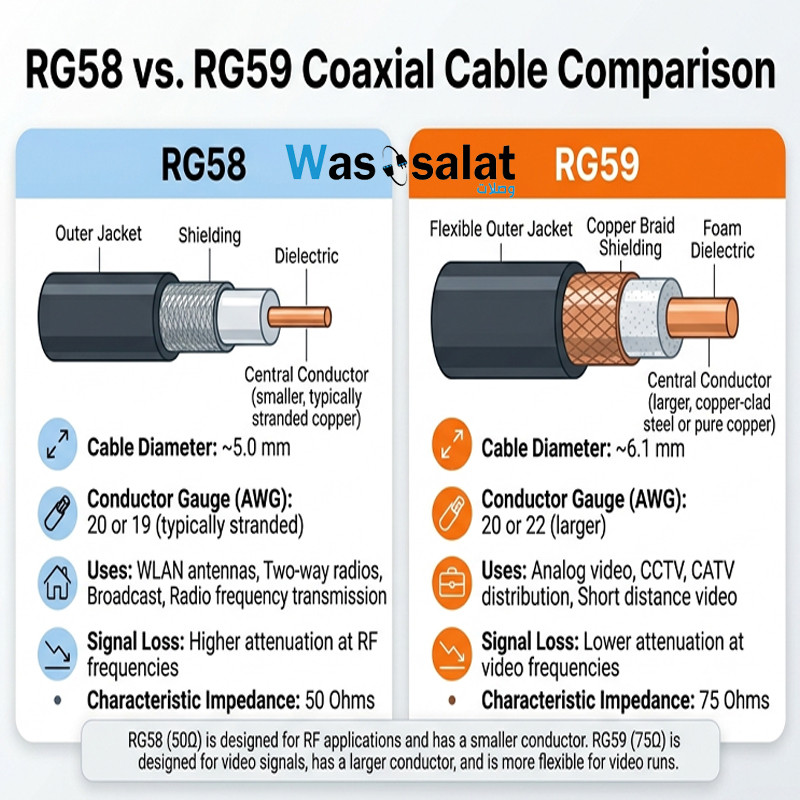 RG58 vs RG59 Coaxial Cables: What's the Difference?
Compare RG58 and RG59 coaxial cables. Learn the critical impedance difference, applications for RF vs video, and...Read more
RG58 vs RG59 Coaxial Cables: What's the Difference?
Compare RG58 and RG59 coaxial cables. Learn the critical impedance difference, applications for RF vs video, and...Read more -
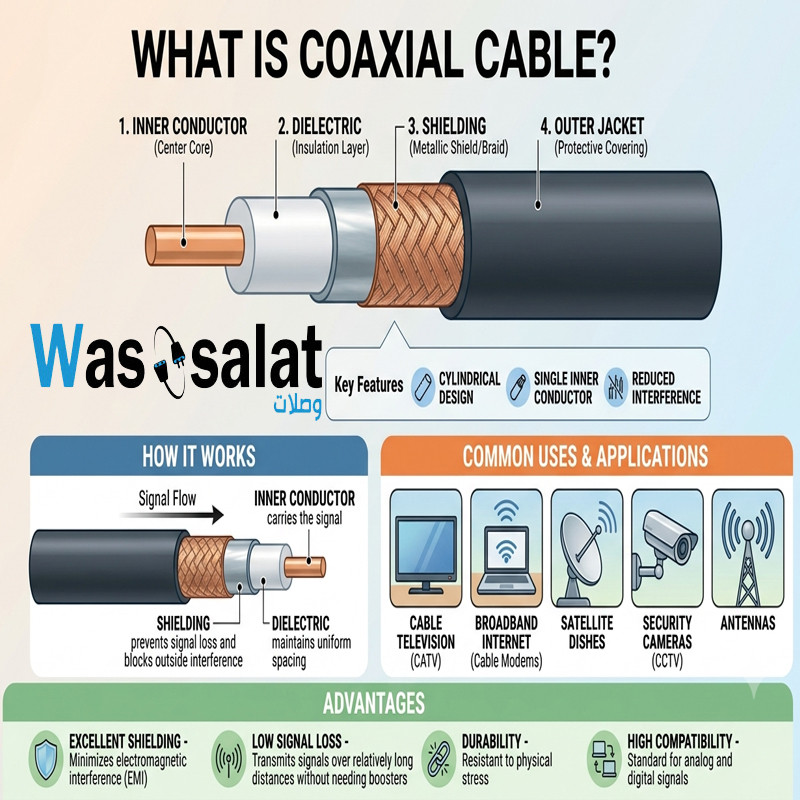 What Is a Coaxial Cable? The Complete Beginner's Guide
Learn what coaxial cables are, how they work, their construction, types, and applications. The beginner's guide to...Read more
What Is a Coaxial Cable? The Complete Beginner's Guide
Learn what coaxial cables are, how they work, their construction, types, and applications. The beginner's guide to...Read more
Latest posts
-
 Waterproof Coaxial Cable: The Complete GuideRead more
 -
 Testing Coaxial Cable: The Complete GuideRead more
This comprehensive guide covers everything you need to know about testing coaxial cable—from simple continuity checks...
-
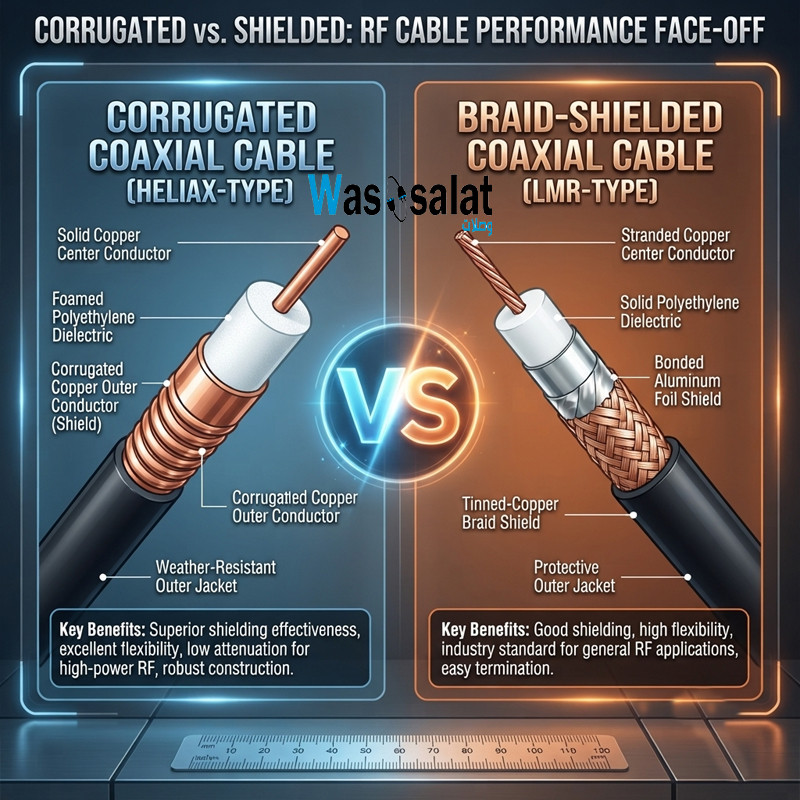 Corrugated Coaxial Cable vs Shielded Coaxial Cable: Complete ComparisonRead more
This comprehensive guide compares both technologies—explaining the differences in construction, performance,...
-
 Installing Coaxial Cable: The Complete GuideRead more
This comprehensive guide compares double shield and quad shield coaxial cables—explaining the differences in...
-
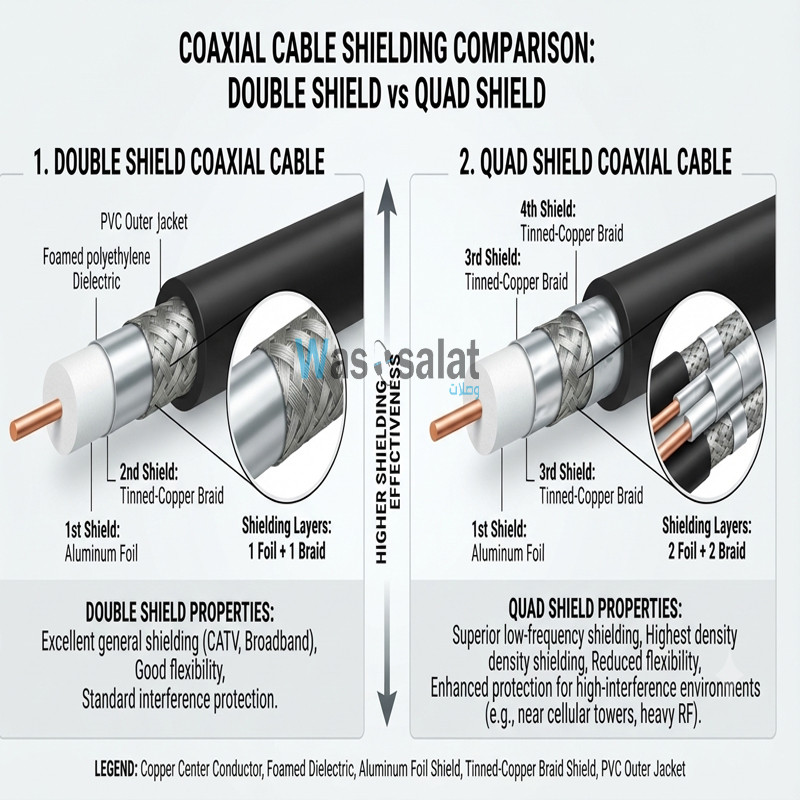 Double Shield vs Quad Shield: Which Coaxial Cable Should You Choose?Read more
This comprehensive guide compares double shield and quad shield coaxial cables—explaining the differences in...
-
 Shielding Types in Coaxial Cables: Complete GuideRead more
This comprehensive guide explains everything you need to know about shielding types—from single shield to quad...
-
 Cable Attenuation Explained: Understanding Signal LossRead more
This comprehensive guide explains everything you need to know about cable attenuation—what it is, what causes it, how...
-
 Outdoor Coaxial Cable: Complete Guide & Selection TipsRead more
Choose the right outdoor coaxial cable for your installation. Compare TZC-500/32 vs TZC-500/97, learn about PE...
-
 LMR-400 vs RG58: Which Coaxial Cable Should You Choose?Read more
Compare LMR-400 vs RG58 coaxial cables. Learn the differences in signal loss, construction, flexibility, and...
-
 Coax Cable Connectors: Complete Guide to F-Type, BNC, N-Type, SMARead more
Learn about coaxial cable connectors—F-Type, BNC, N-Type, SMA, TNC, and UHF. Compare impedances, frequencies, and...
Leave a comment